
Time & Tune
Practice Timer & Tap Tempo
A metronome that keeps time and a tuner that tells you the truth, with everything a practice needs free.
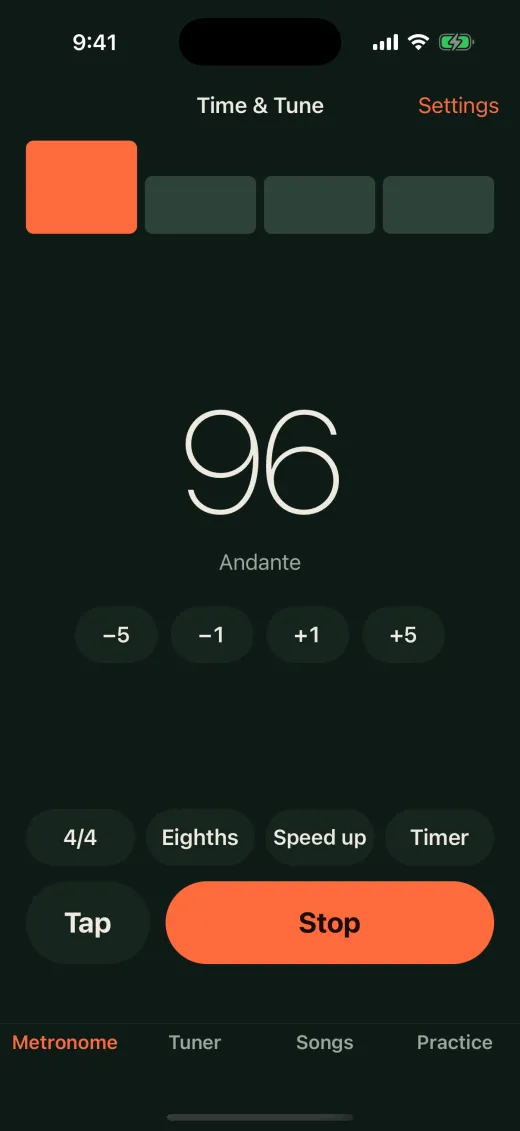
A look inside
What's in it
A STEADY CLICK
The click is timed on the audio hardware, sample by sample, so it doesn't drift or stutter when your phone is busy. It keeps playing with the screen locked, and plays alongside your music or a podcast.
TEMPO YOUR WAY
Drag the number, type it, nudge it by one or five, or tap it out. From 20 to 400 BPM, with the Italian marking for every tempo.
EVERY BEAT
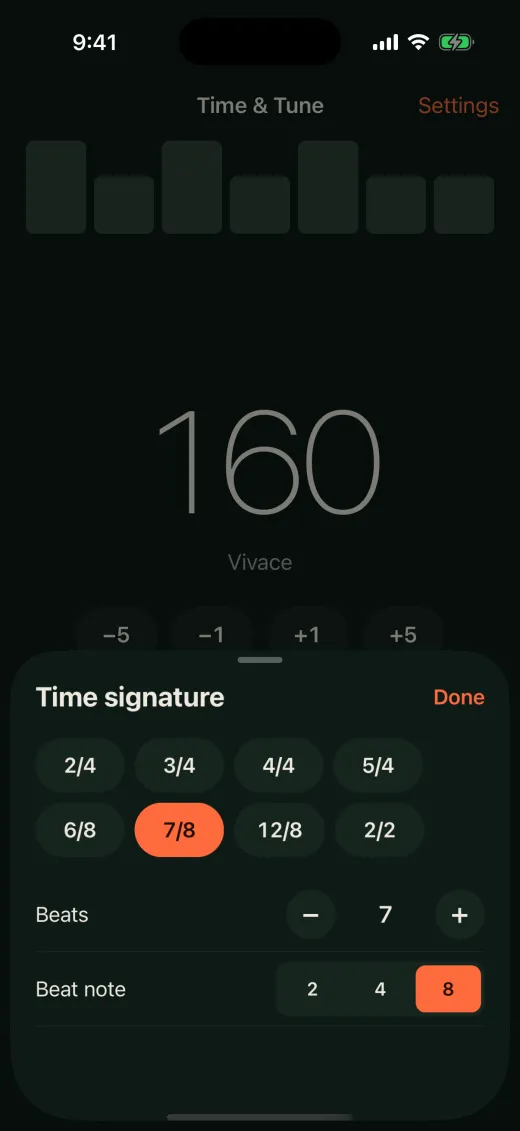
Any time signature from 1 to 16 beats, on halves, quarters or eighths: 3/4, 5/4, 6/8, 7/8, 12/8, cut time. Tap a beat to accent it or silence it. Subdivide into eighths, triplets, sixteenths, swing or dotted rhythms.
SPEED UP
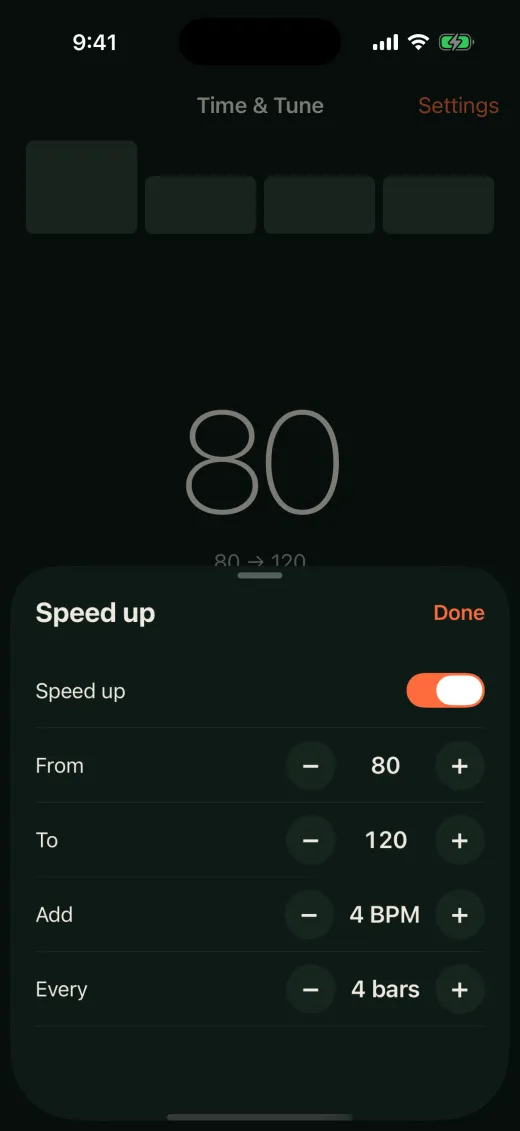
Set a start and a target, and the trainer adds a few BPM every few bars, so a hard passage comes up to speed by itself.
TIMER AND PRACTICE LOG
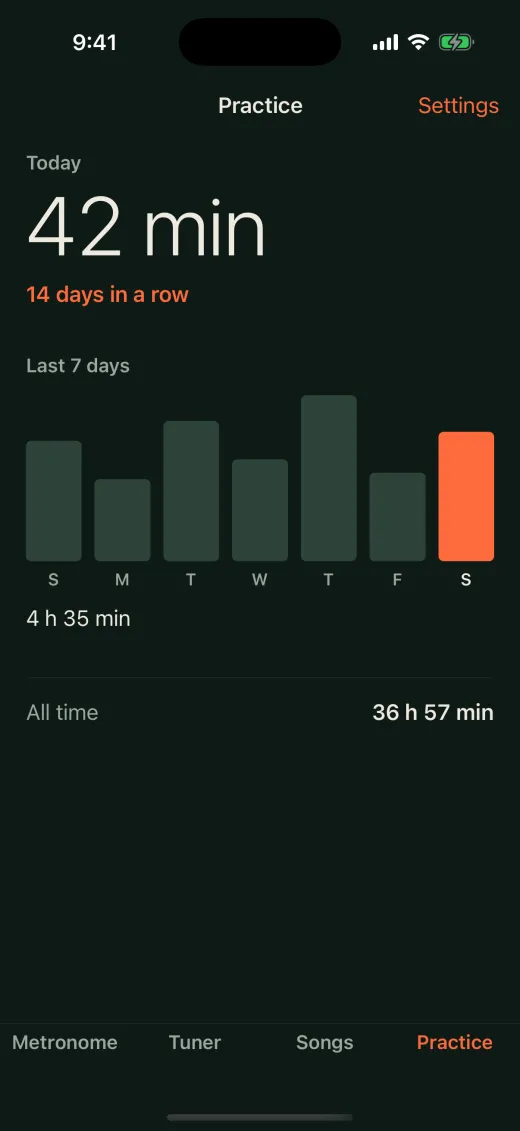
Stop the click after 5 to 60 minutes. Every minute you practice is kept by day, with your streak, all on your phone.
SONGS
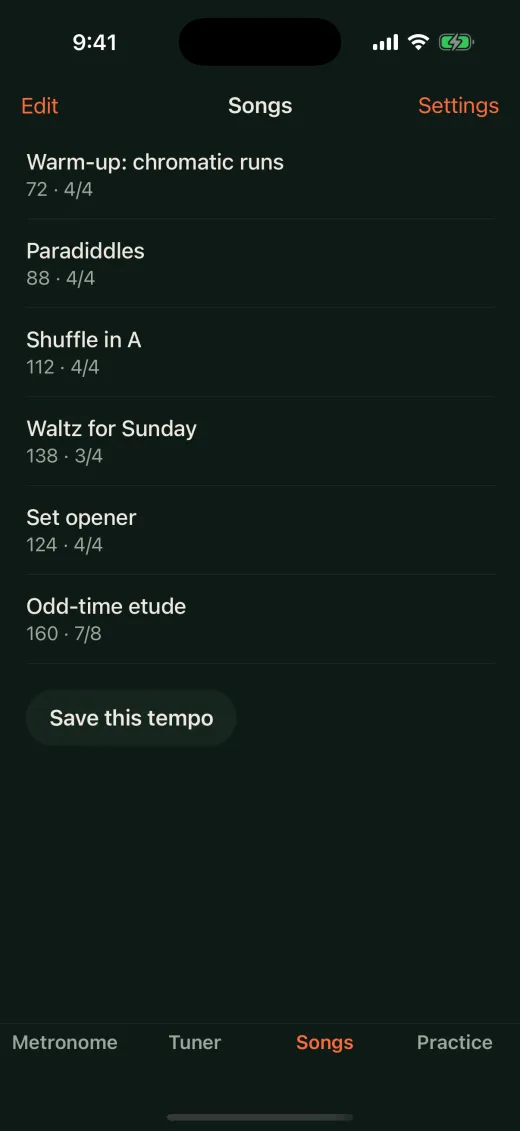
Save a tempo and meter as a song, put them in the order you play them, and load one with a tap. No limit.
A TUNER THAT WON'T SNAP A STRING
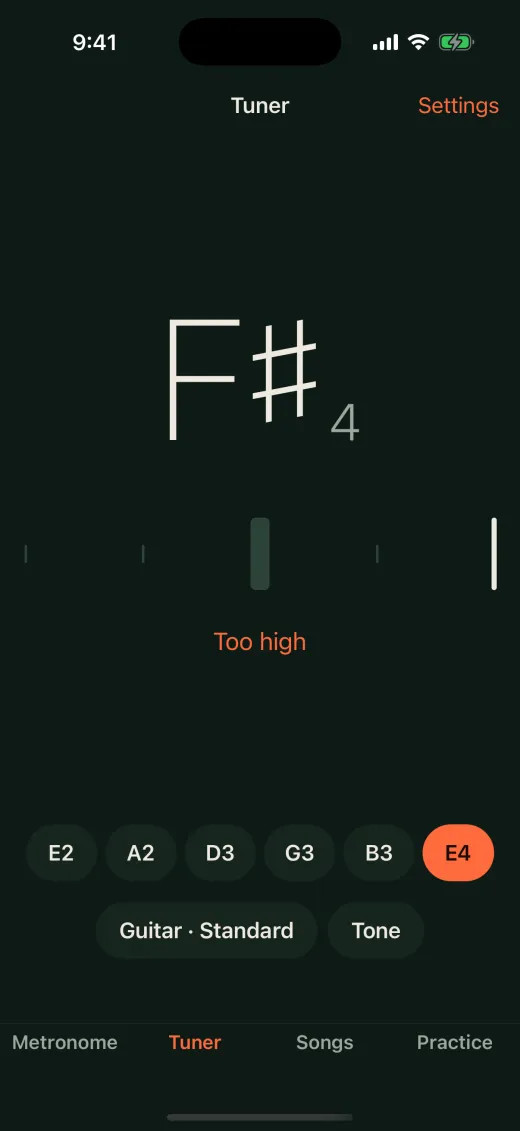
Play a note and see it with its octave and how many cents off it is. Pick guitar, bass, ukulele, violin, viola or cello and it measures each string against its own note: tighten past it and it says too high, instead of showing the next note as in tune. Alternate tunings are free: drop D, half step down, D standard, DADGAD, open G and open D, five-string bass, low-G and baritone ukulele.
FOR BAND AND ORCHESTRA
Read notes as a B-flat, E-flat or F instrument, set A from 415 to 466 Hz, and play a reference tone.
Three click sounds, its own volume, and nothing to sign up for. Free with ads that never interrupt the click, or remove them once with a single purchase.
Help & support
Need help, found a bug or have an idea? Tap Settings → Help & feedback in the app, or email us and we will get back to you.
Bought “Remove ads” and still see ads? Open Settings in the app and tap Restore purchase, signed in with the same Apple or Google account you bought it with.