Days Together
Love Days Widget & Tracker
Count the days you've been together, on your own photo.
Coming soon.
A look inside
What's in it
THE NUMBER, FIRST
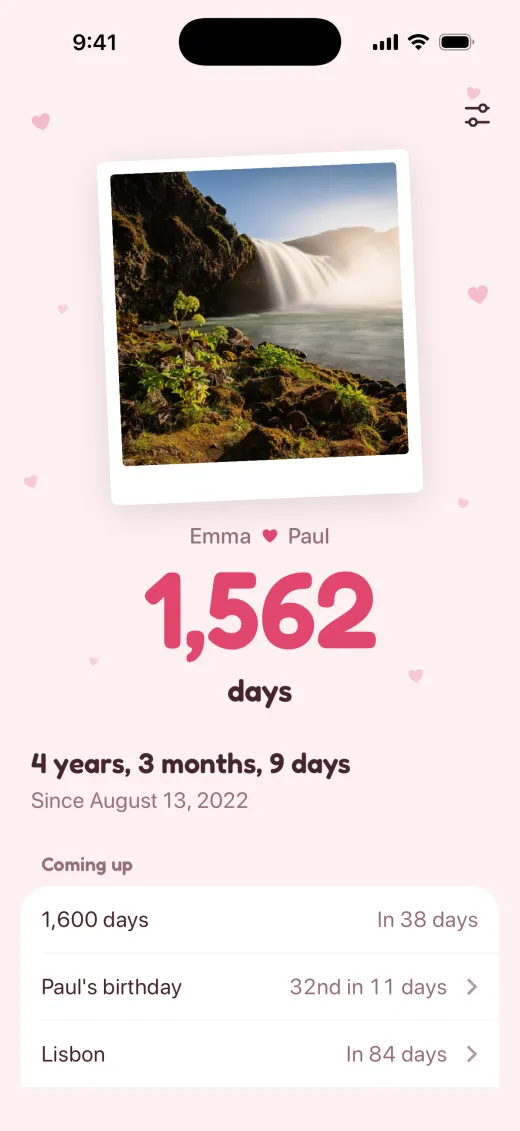
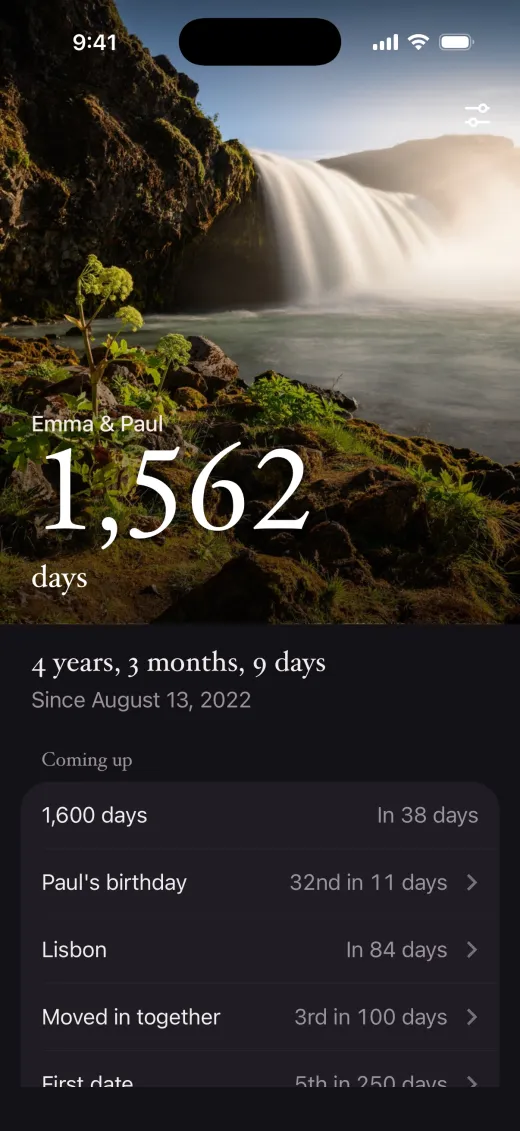
Open the app and there it is: your days together over a photo of the two of you. No ad in the way, ever. Tap the number for weeks, months, hours, or the seconds ticking by.
RIGHT EVERY TIME
Counted from midnight where you are, through month ends, leap years and clock changes. Count the first day as day 1 if that's how you count.
MILESTONES
A notification on day 100, on round numbers like 1,000 and 1,111, every month of the first year, and every anniversary, at the time you choose. See the next one coming up on the home screen.
YOUR OTHER DATES
First date, moving in, birthdays, a trip: how long ago each one was, and a countdown to the next.
THEMES
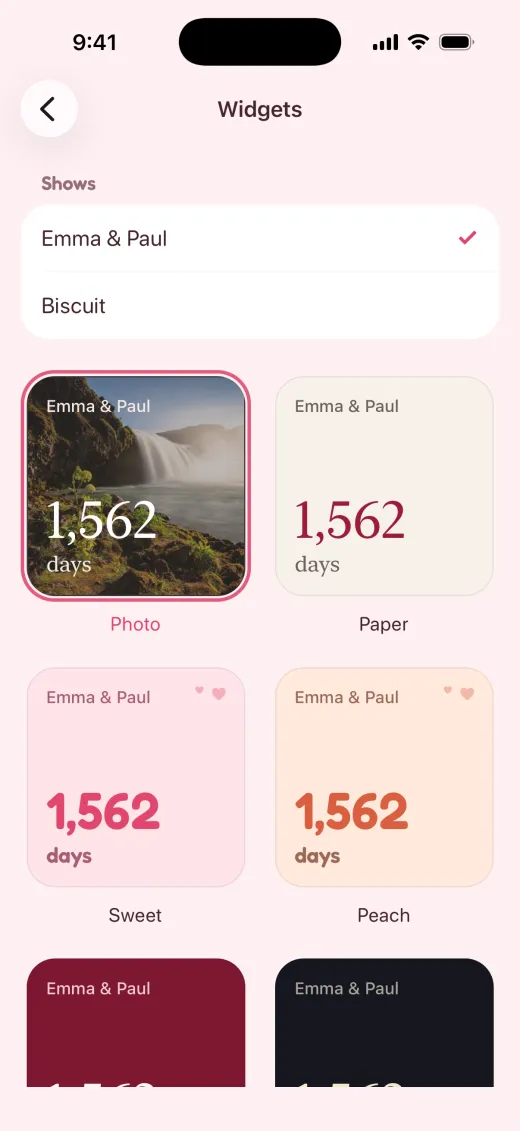
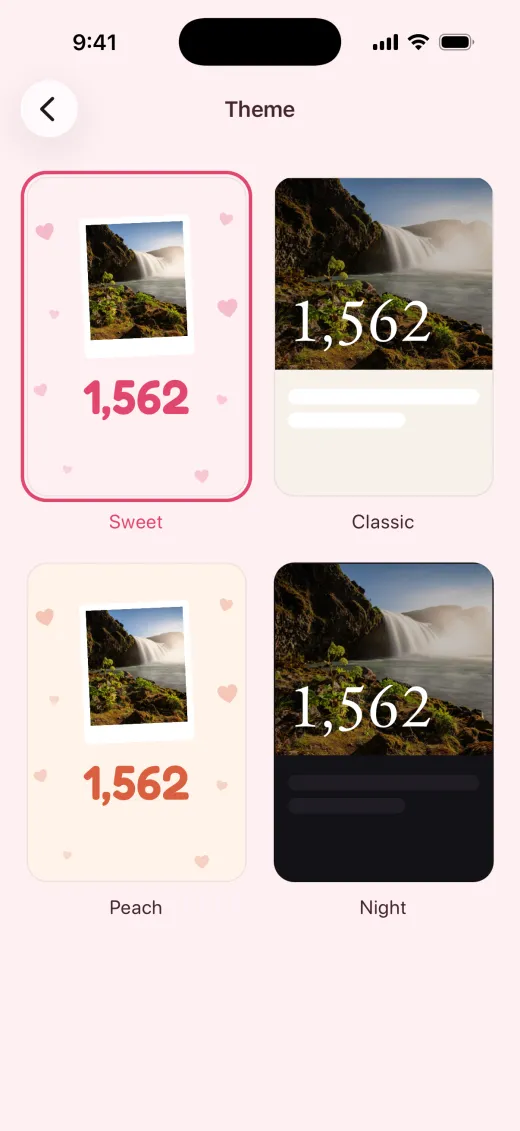
Sweet and Peach frame your photo like a print, with hearts round the count. Classic and Night put it across the top in a serif.
TIMELINE
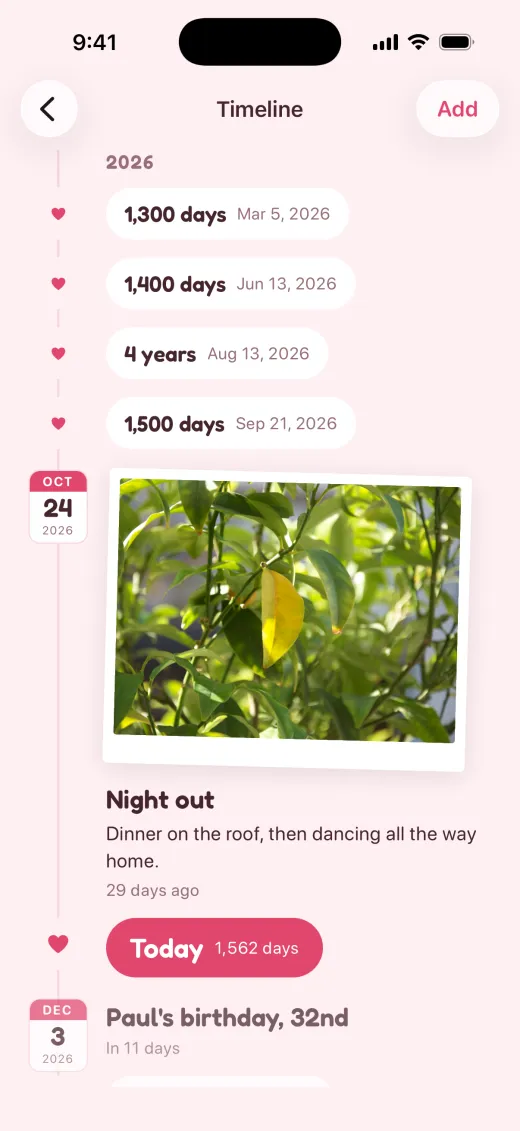
Every milestone since the day it began, your memories with their photos and a few words, and what comes next.
MORE TO COUNT
A friend, a pet, a new home: each with its own count, photo, milestones and timeline.
WIDGETS
Your count on the Home Screen, with your photo or in one of eight designs, and on the Lock Screen. On Android, keep it in the notification bar too. Photo, Paper and Sweet are free; open the others by watching a short ad.
SHARE IT
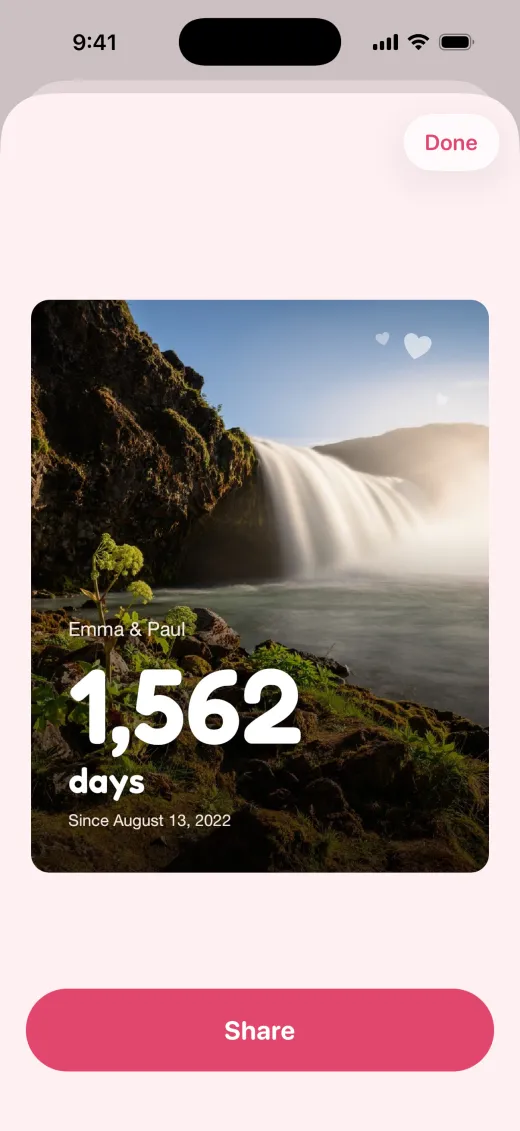
Make a picture of your count on your photo, for a post, a story or a message.
PRIVATE
Your names, dates and photos stay on your phone, and come with you to a new one in your phone's own backup. No account, and nothing is sent to us.
Free with a banner, never over the count. Remove ads once with a single purchase, which also opens every widget design.
Help & support
Need help, found a bug or have an idea? Tap Settings → Help & feedback in the app, or email us and we will get back to you.
Bought “Remove ads” and still see ads? Open Settings in the app and tap Restore purchase, signed in with the same Apple or Google account you bought it with.