Cubewright
Scanner, Timer & How to Solve
Scan a scrambled cube with your camera and solve it in about 20 moves, one turn at a time.
Coming soon.
A look inside
What's in it
SCAN OR TAP IN
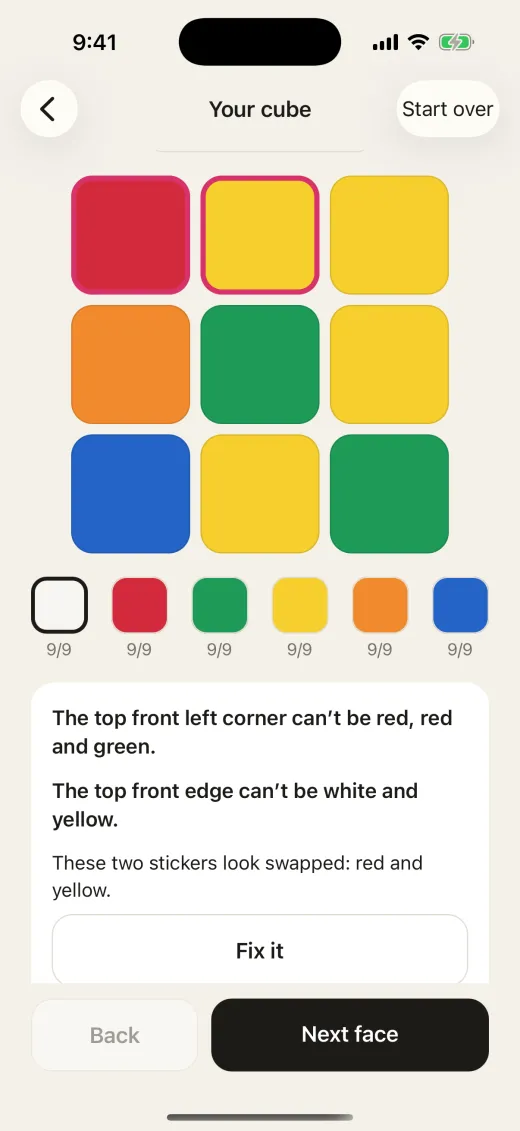
Hold each face up to the camera. Cubewright compares every sticker with your own cube's centers, which is how it tells red from orange and white from yellow. No camera? Tap the colors in instead.
FINDS YOUR MISTAKE
If an entry doesn't add up, it shows which piece can't exist and the likely fix: two stickers swapped, or a face entered sideways. If your cube was taken apart and put back with a corner twisted or an edge flipped, it still solves it and tells you the fix by hand.
SOLVE IT
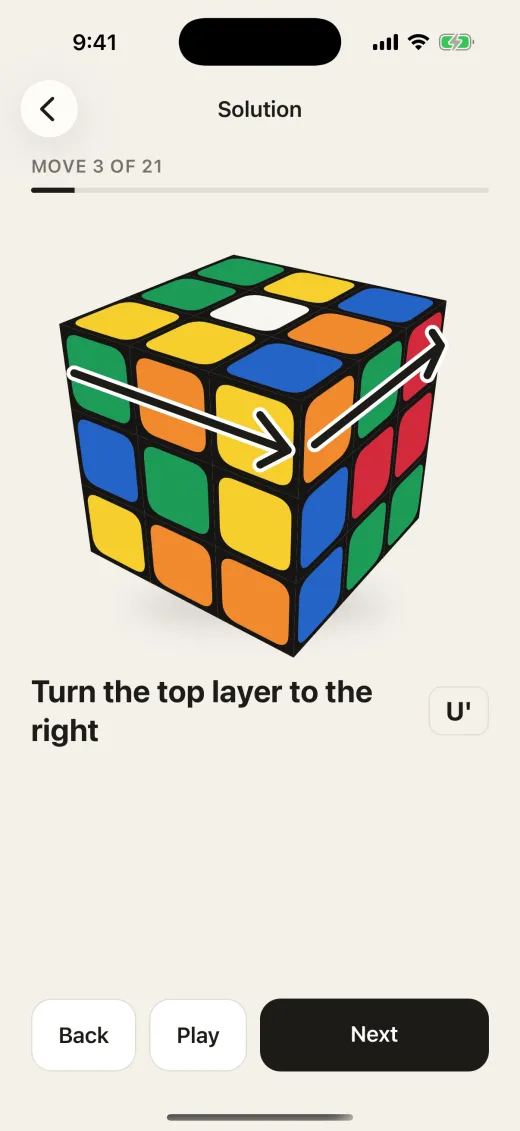
A 3D cube held the way you hold yours, an arrow on the layer to turn, and the move in plain words with its notation: "Turn the right side down", R'. Step back and forward, or press play at half, normal or double speed. Solves are unlimited, with no ads before or during one.
LEARN TO SOLVE IT YOURSELF
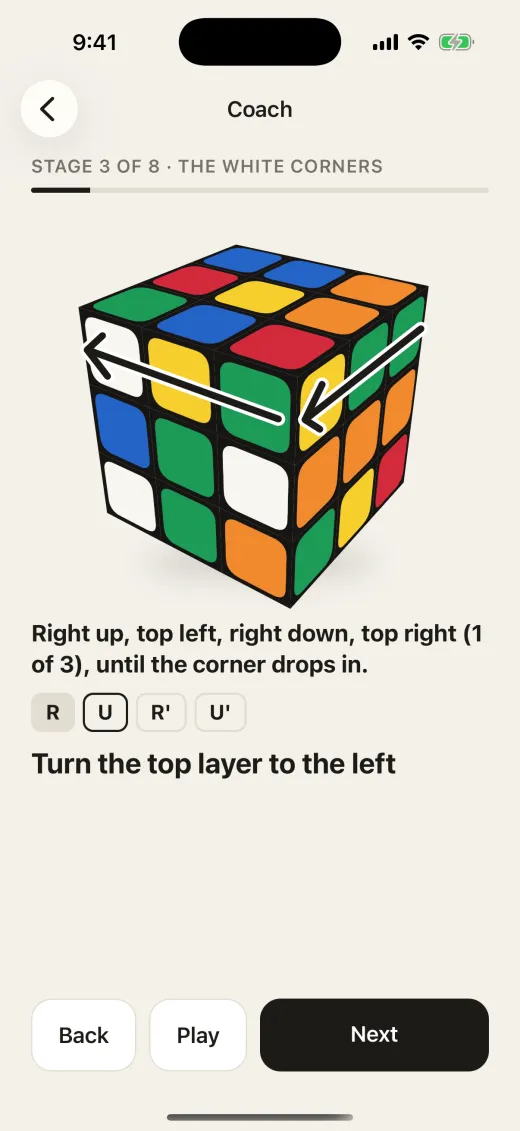
The coach takes you through the beginner's method on your own scramble, from the daisy and the white cross to the last yellow corners: eight stages, each with its move set. The first coached solve is free; after that, each starts with a short ad.
TIMER
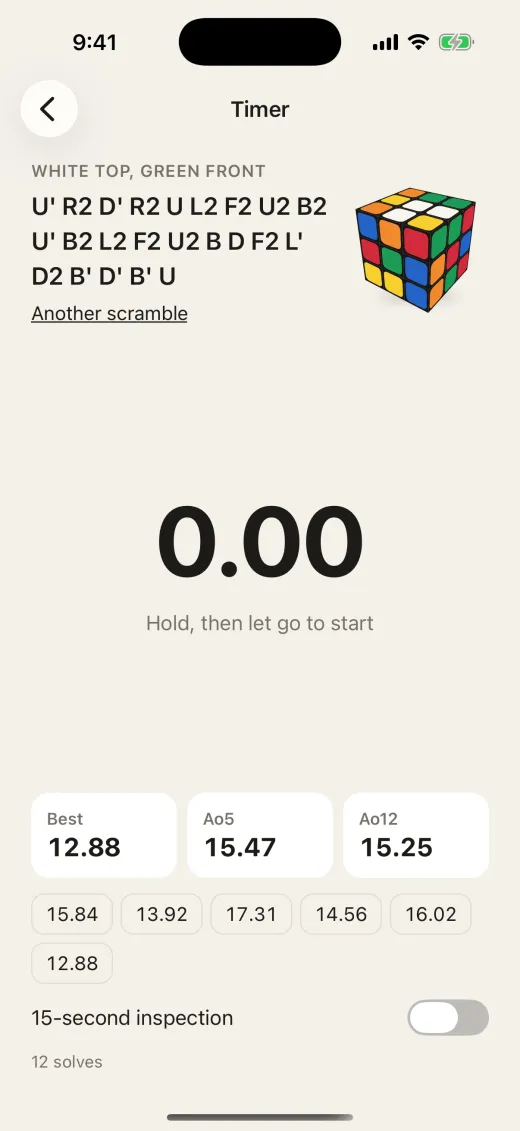
Random-state scrambles like the ones competitions use, with a picture of the scrambled cube. Hold and let go to start, optional 15-second inspection with +2 and DNF, and your best, Ao5 and Ao12.
PATTERNS
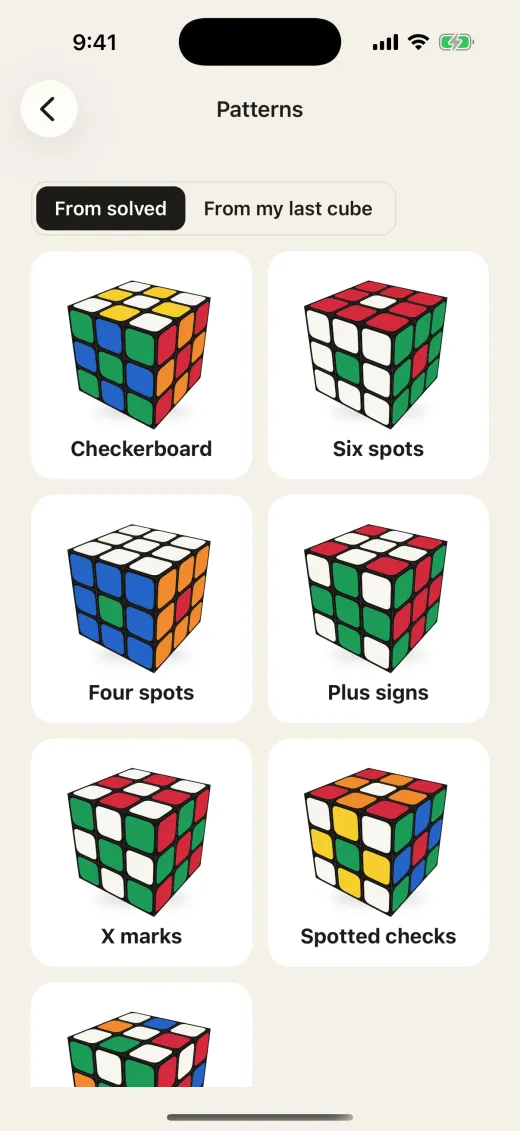
Patterns from the checkerboard and cube in a cube to tetris and the superflip, made from a solved cube or from the one you entered last.
For the 3x3 cube. Works offline, with no account. Free with ads, or remove them once with a single purchase.
Help & support
Need help, found a bug or have an idea? Tap Settings → Help & feedback in the app, or email us and we will get back to you.
Bought “Remove ads” and still see ads? Open Settings in the app and tap Restore purchase, signed in with the same Apple or Google account you bought it with.