Shiftcard
Time Clock, Pay & Overtime
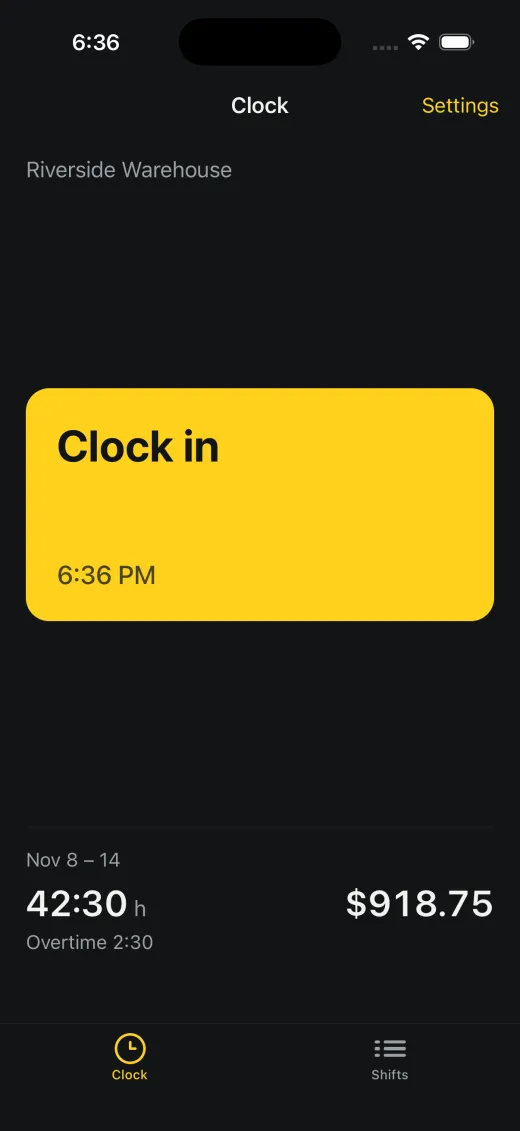
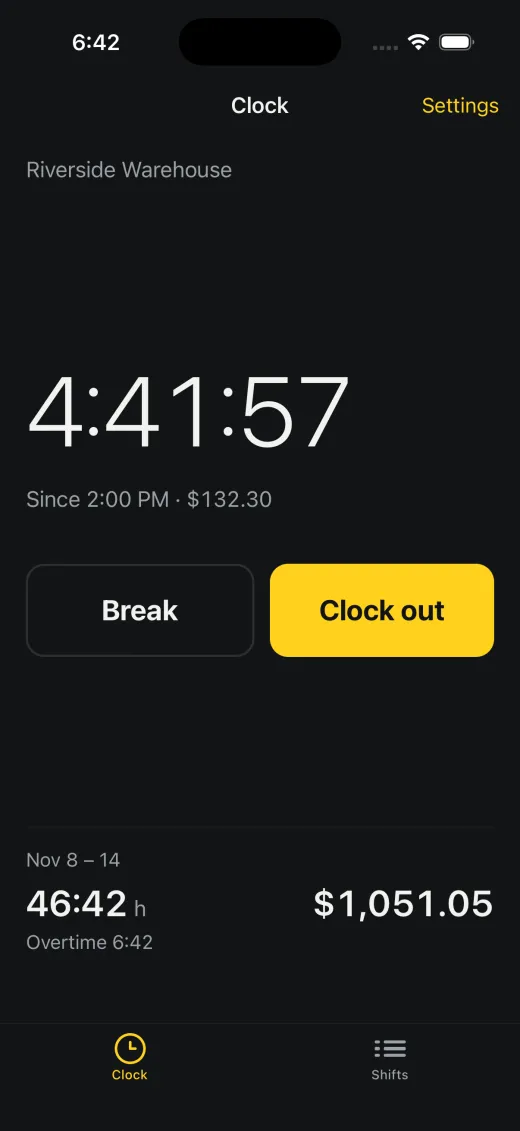
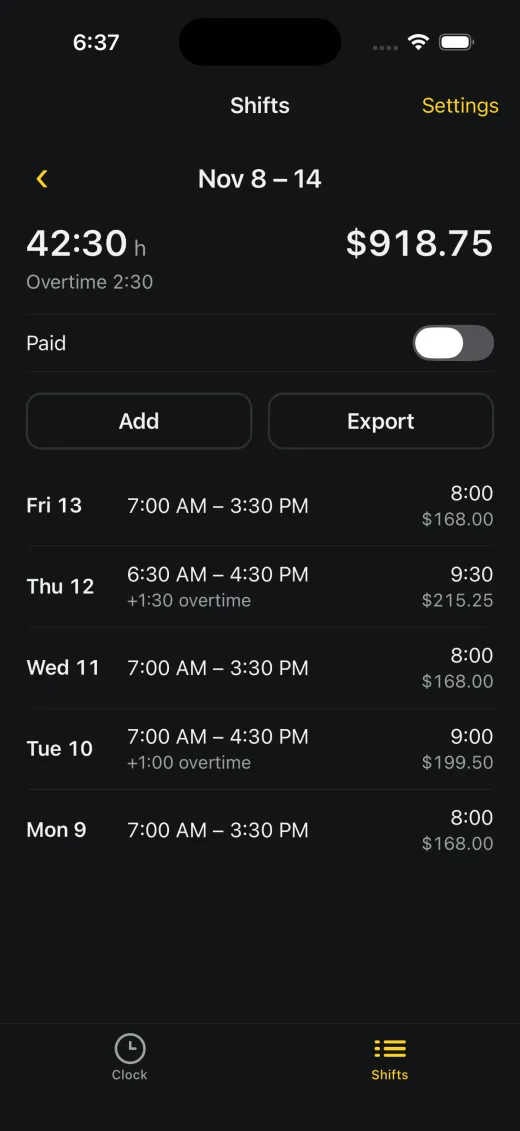
Clock in when your shift starts, take your break, clock out. Shiftcard keeps your hours and works out your pay, overtime included, so you can check every paycheck.
A look inside
What's in it
YOUR RULES, SET ONCE
- A pay rate for each job, for as many jobs as you have
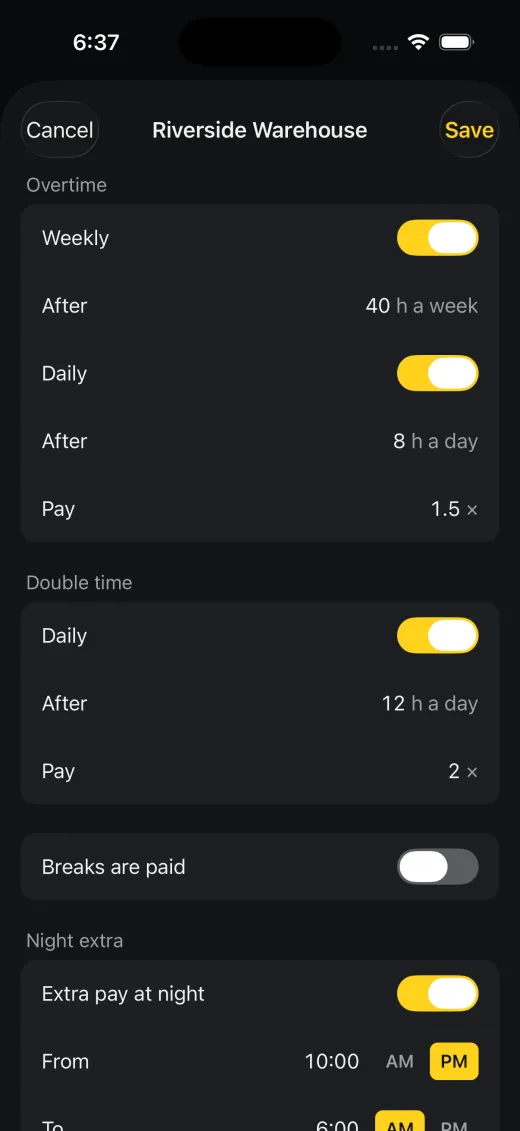
- Weekly and daily overtime at your own thresholds and rate, and double time
- Paid or unpaid breaks
- Extra pay for nights and weekends, as an amount or a percent
- Pay periods every week, every two weeks, twice a month or monthly, from any day
- Tips, per diem and other money for each shift
- Holidays, vacation and sick days that count as paid hours without adding overtime
- An estimate of take-home pay from your own tax rate
MADE FOR SHIFTS
- A night shift stays in one piece, on the day it started
- Several shifts in one day
- Undo a clock-out tapped by mistake
- A reminder if you forget to clock out
- Type in a shift you forgot, with times on the number pad
HOURS YOU CAN SHOW
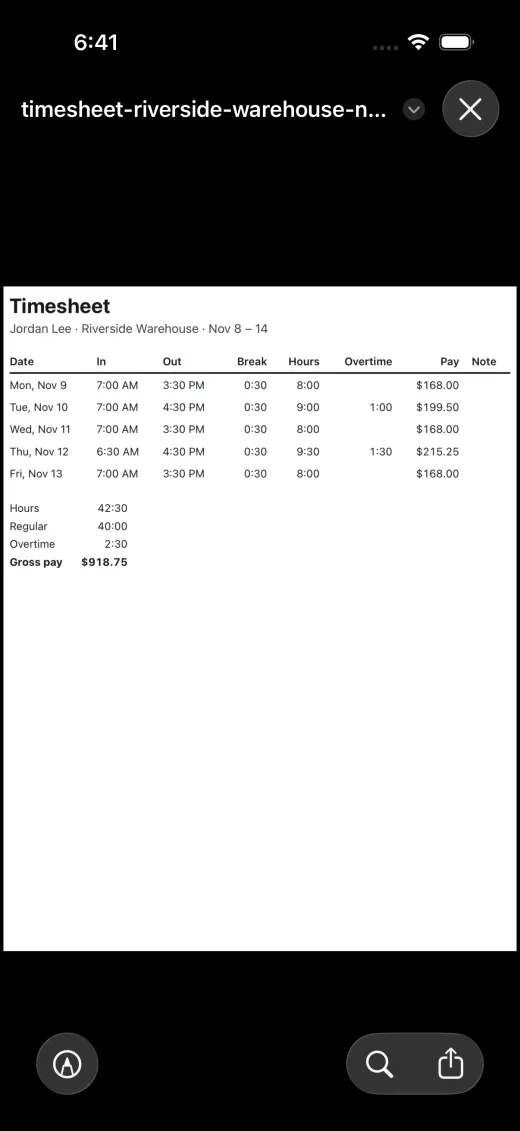
Every shift you type in or change later is marked, on screen and on the timesheet, so it's clear which times were punched live. Mark a pay period as paid when the money arrives.
TIMESHEETS
Export any days as a CSV for a spreadsheet, or as a PDF timesheet to hand to your manager, with or without pay.
YOURS, ON YOUR PHONE
No account and no sign-up. Your shifts stay on your phone and in its own backup, and you can save a backup file and load it on a new phone. Nothing stops working after a few weeks: Shiftcard is free with ads, and you can remove them once with a single purchase.
In English and Spanish.
Shiftcard works out pay from the rules you set. It doesn't know your employer's rules or the law where you work, so set them to match your job.
Help & support
Need help, found a bug or have an idea? Tap Settings → Help & feedback in the app, or email us and we will get back to you.
Bought “Remove ads” and still see ads? Open Settings in the app and tap Restore purchase, signed in with the same Apple or Google account you bought it with.